Variable snapshots
Every release is created with a frozen snapshot of the project variables and deployment process that existed at the time of creation. The snapshot also captures values contributed by any library variable sets linked to the project — editing a linked set after a release is created does not change that release’s snapshot. This ensures that deploying an older release uses the variable values that were current when that release was cut, not whatever values happen to be on the project today.
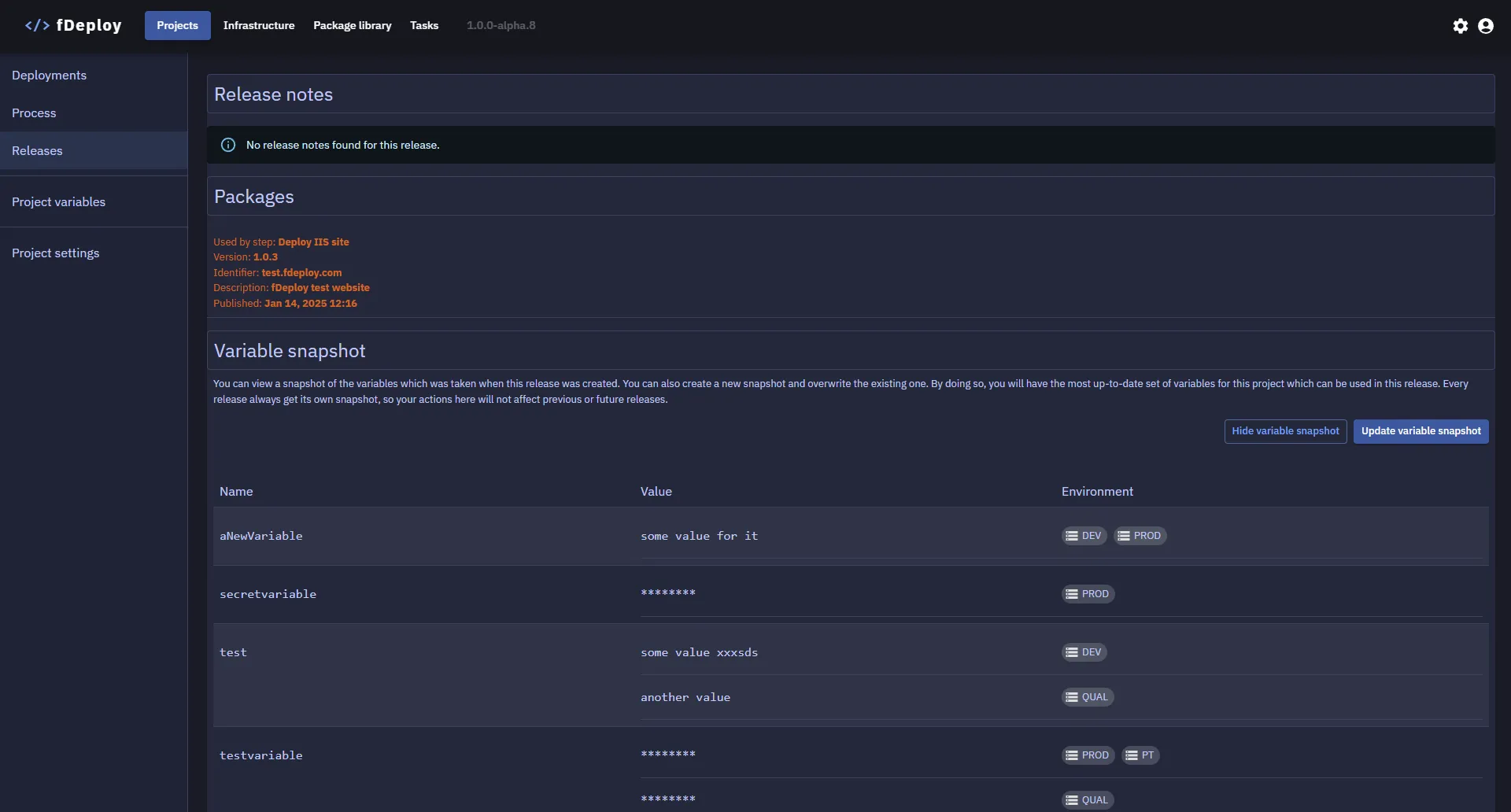
You can view the variable snapshot for a given release by navigating to the release details view and using the “Show variable snapshot” button.
Updating variable snapshots
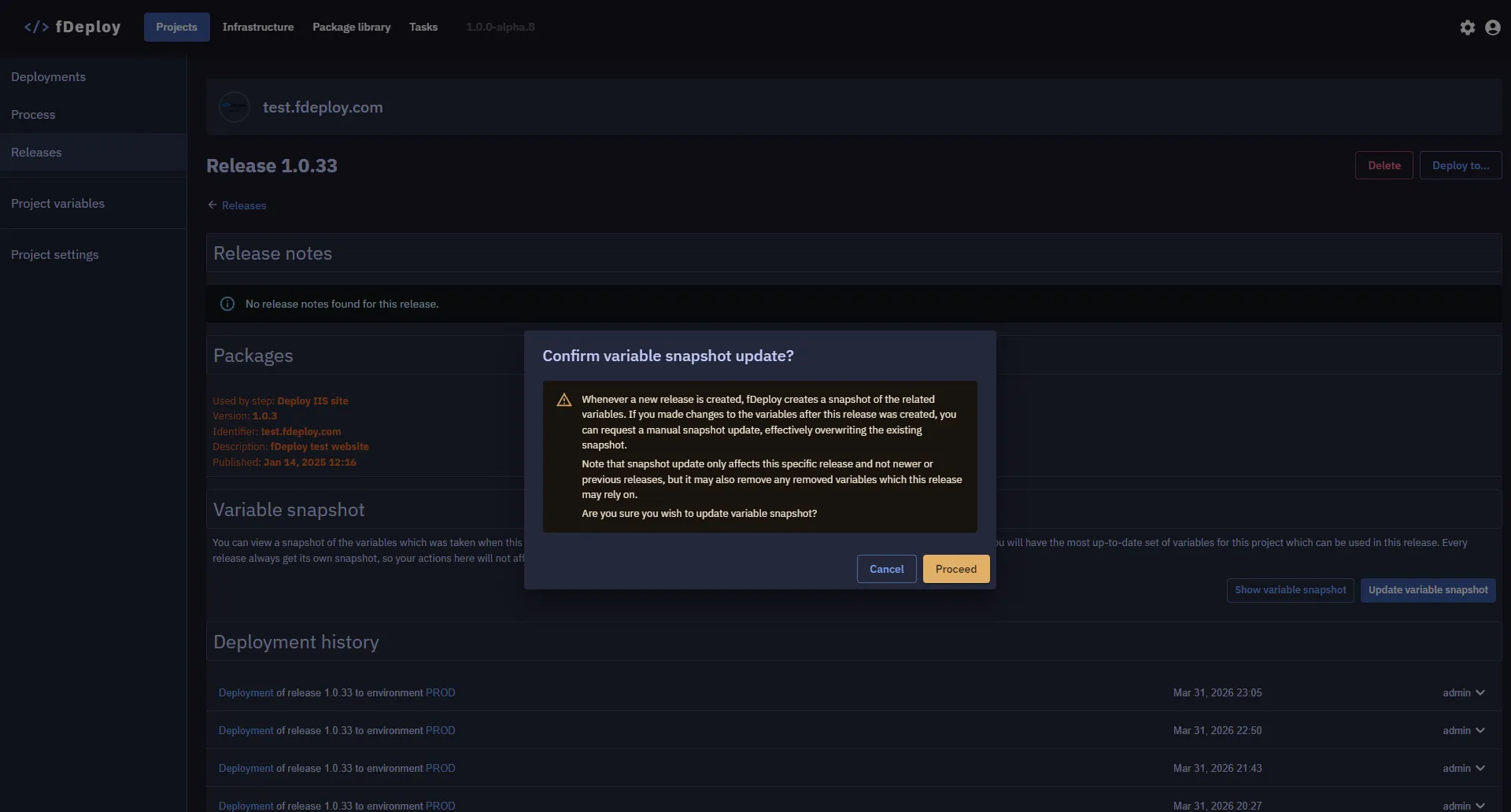
You can update variable snapshot (which also updates the deployment process snapshot) by using the “Update variable snapshot” button.