

Environments
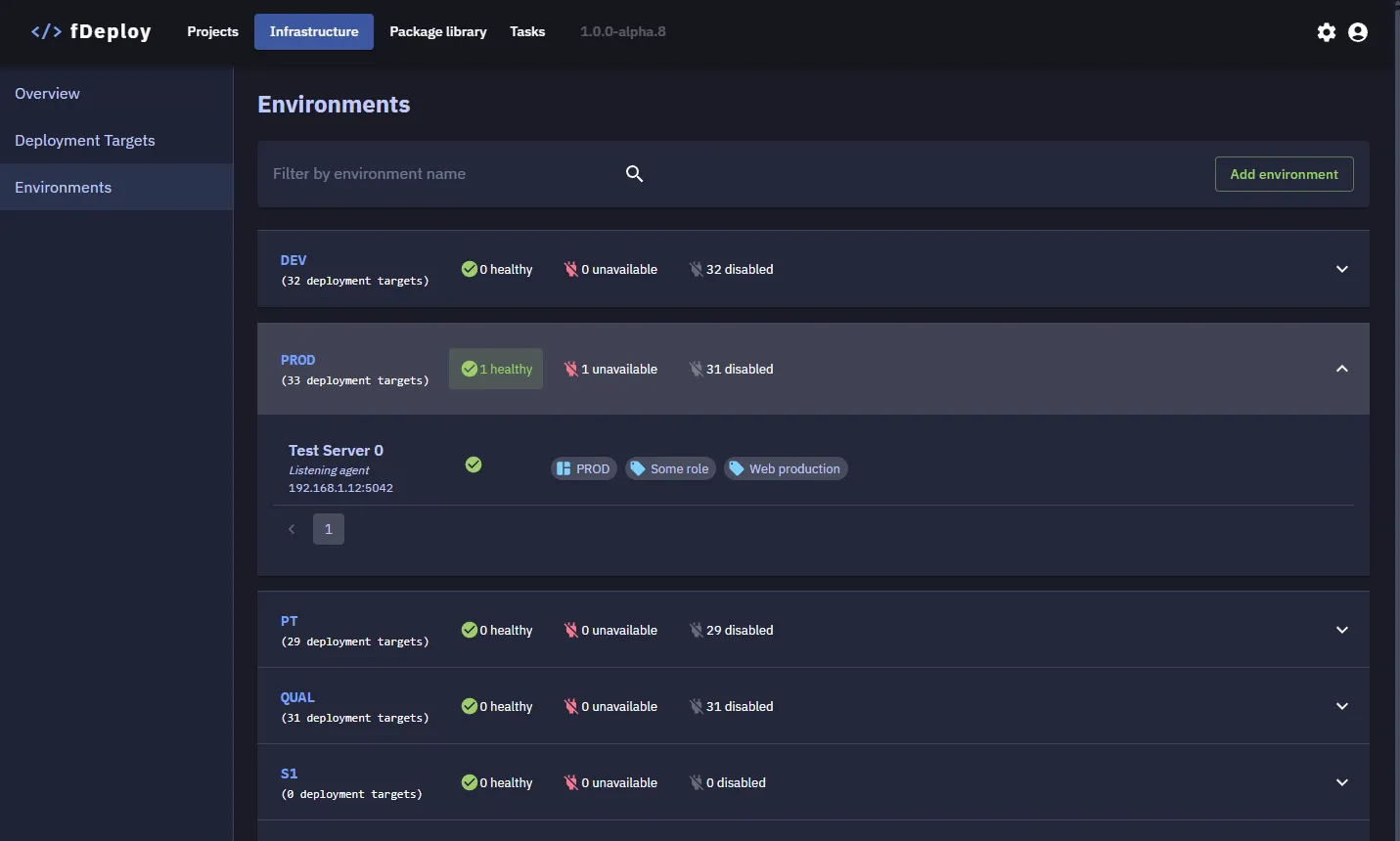
Environments represent the distinct stages your software progresses through — for example Development, Test, Staging, and Production. A deployment target can belong to one or more environments, so a single machine can serve multiple stages when appropriate. Every release is deployed to one environment at a time.
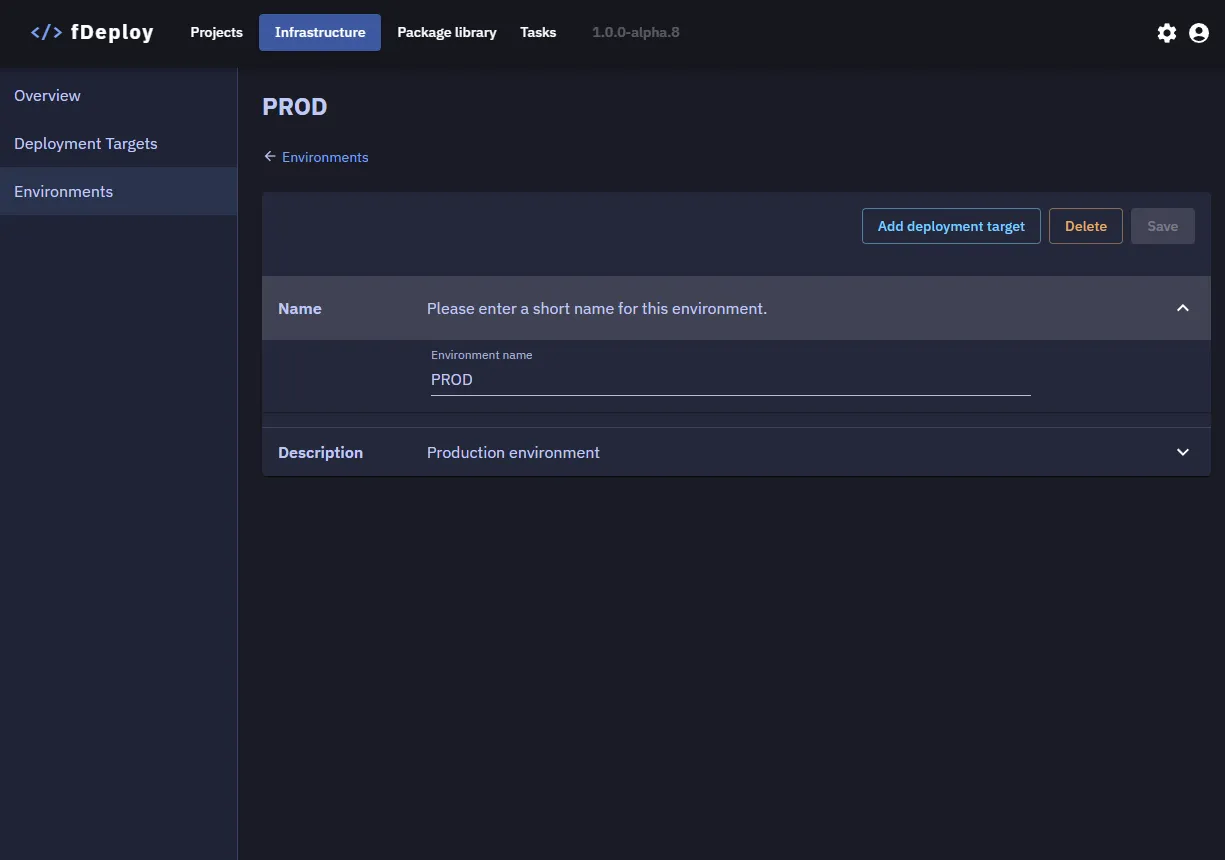
An environment is defined by a name and a description. Try to keep the name short and concise — it appears in deployment dropdowns, task logs, and as the #{Environment.Name} placeholder in variable binding.
How environments relate to the rest of fDeploy
- Project variables can be scoped per environment, so the same variable (e.g.
ConnectionString) resolves to different values in DEV vs. PROD. - Target roles are reused across environments — a deployment step’s combined environment + role filter picks the targets that match both.
- Progressions define the ordered phases a release must pass through; each phase maps to one or more environments.