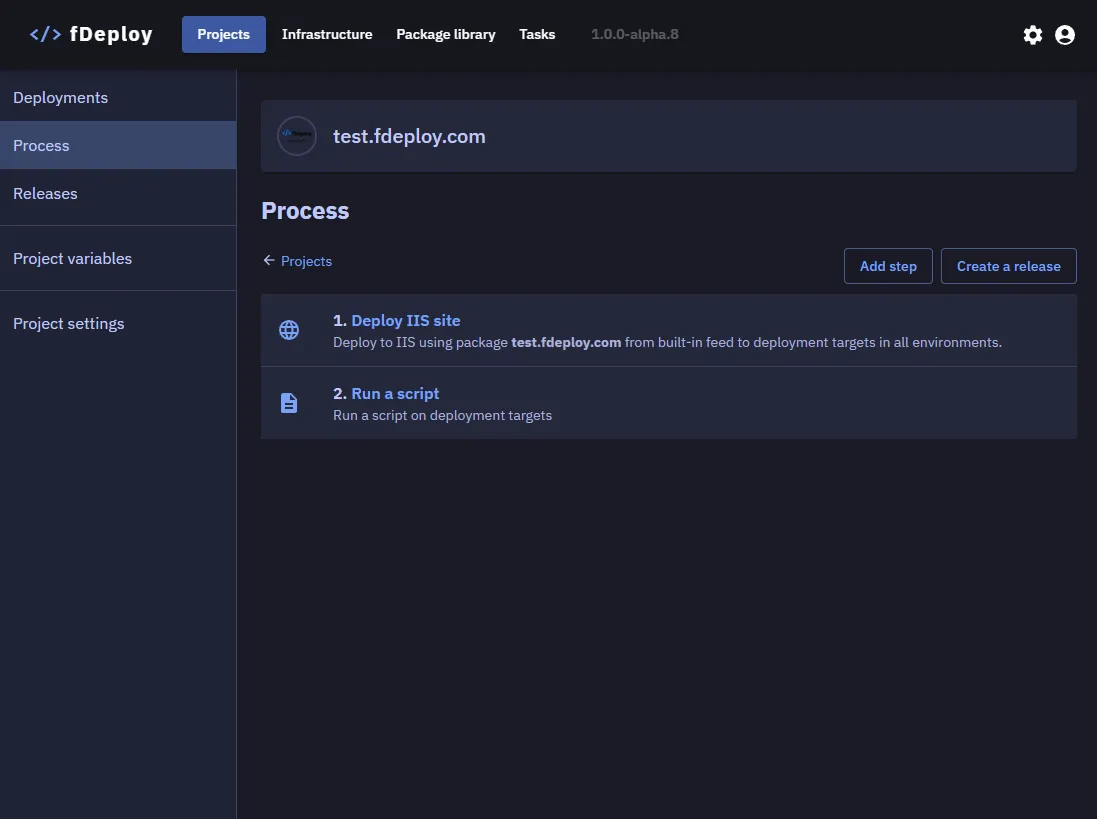
Deployment process
Deployment process consists of at least one deployment step. Available step types are:
- Deploy to IIS — deploy an IIS website, web application, or virtual directory
- Execute a script — run a PowerShell script on deployment targets
- Manual intervention — pause the deployment and wait for human approval before continuing
- Send an email — send an email notification with template variable support
- HTTP Request — call a REST API endpoint (trigger a CI pipeline, post to chat, hit a health check, etc.)
Steps can be reordered after creation and each step supports optional run conditions and environment conditions to control when it executes. IIS, script, and HTTP request steps also support configuring an execution strategy to control whether targets are deployed to in parallel, sequentially, or in batches.
In this example, there are two steps, the first one deploying a website to be served by an existing IIS server. The second step executes a PowerShell script.