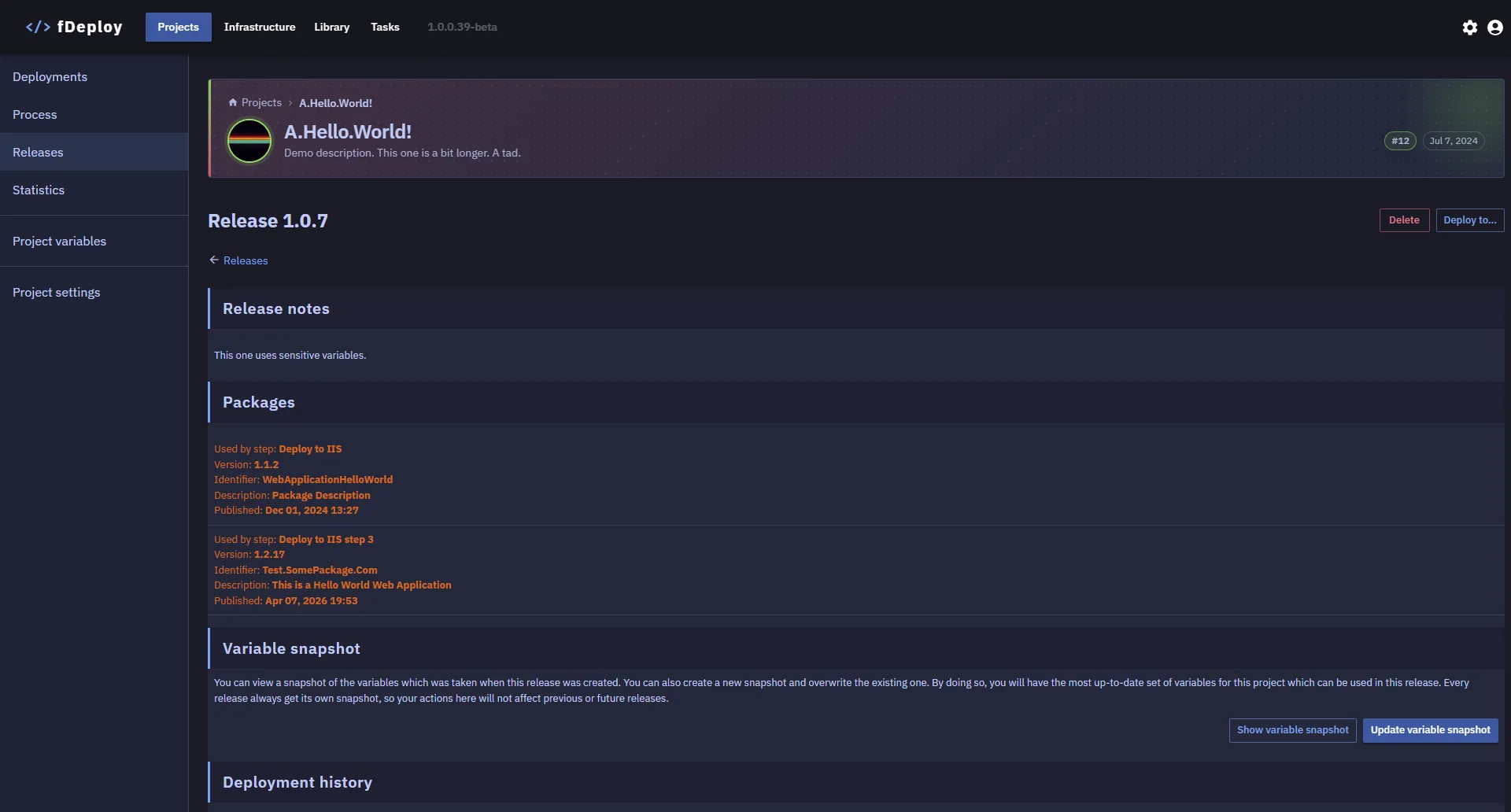
Creating releases
You can create a new release by navigating to a project and then clicking the Releases menu alternative. At this page, you can see existing release for selected project, filter releases by version and use the “Create a release” button to start creating a new release.
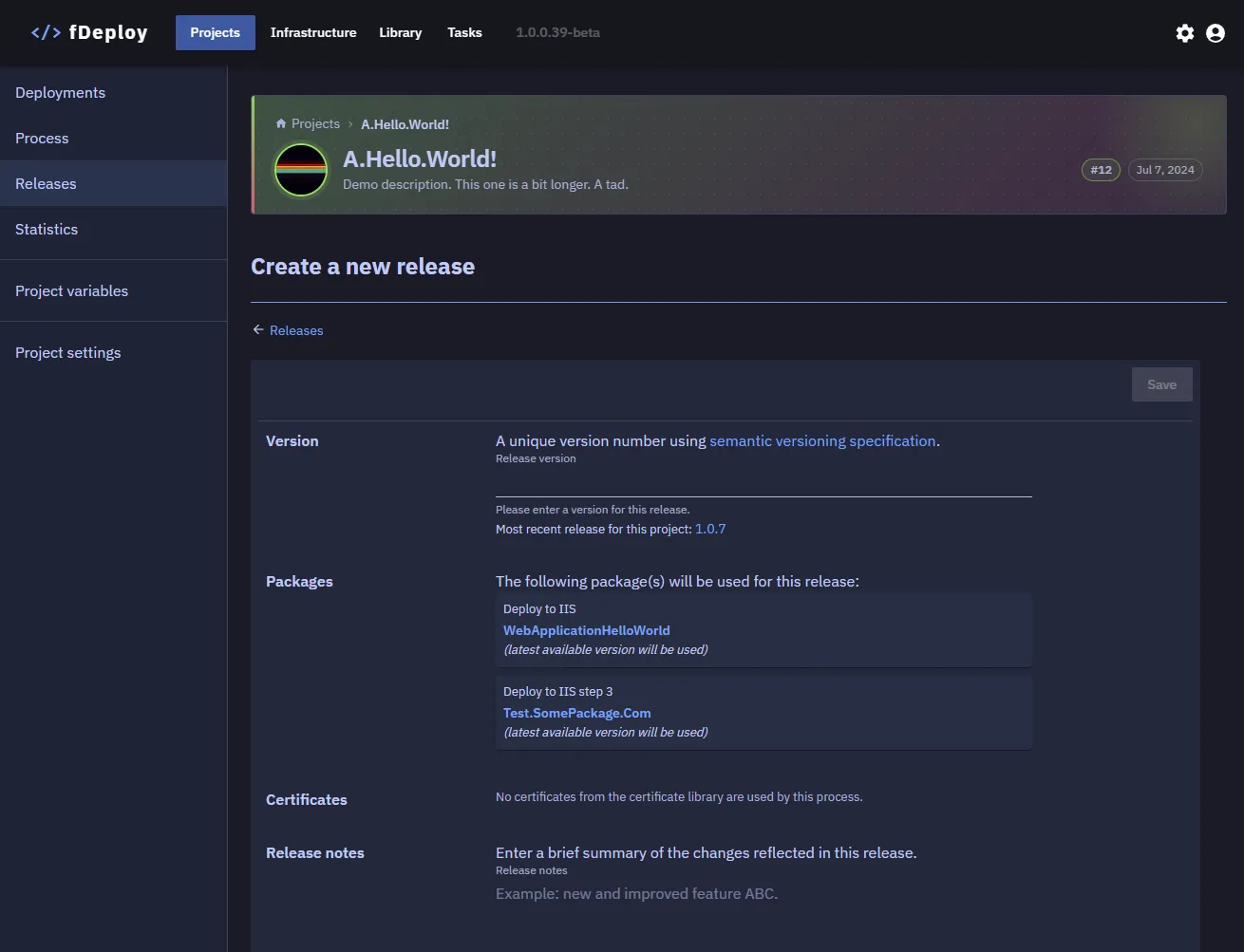
fDeploy will perform a lookup to find the most recent version based on semantic versioning.
You can use the version shown as a reference when deciding on the next version for the release you are creating.
fDeploy will also examine the process for the current project and list any packages to include in the release. Note: fDeploy alpha only supports selection of latest available packages.
If any deployment steps reference certificates from the certificate library — either directly or via certificate variables — they will be listed under the Certificates section. A certificate snapshot will be created with the release to ensure deployment consistency.
Type the version you wish to set for the release you are creating and enter any release notes you wish to include. After clicking save, you will be taken to release details view.