Project settings
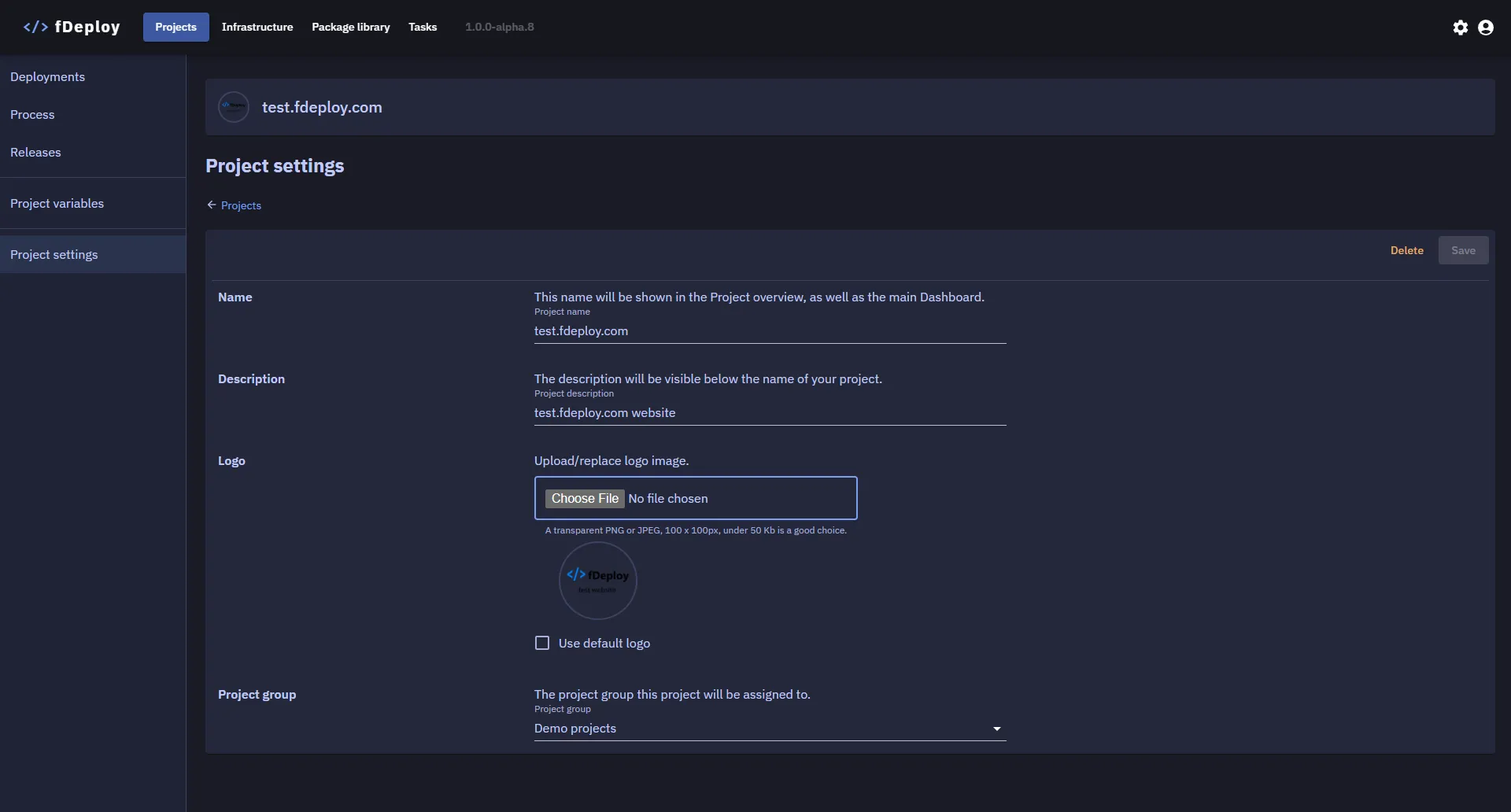
The Settings tab on a project configures its high-level properties:
| Setting | Description |
|---|---|
| Name | The project’s display name, used throughout the UI and available as the #{Project.Name} placeholder in variable binding. |
| Description | Free-form text describing the project. Available as #{Project.Description}. |
| Logo | Optional image displayed next to the project name in lists and details views. |
| Project group | The project group this project belongs to. Used purely for organization and navigation. |
| Progression | The progression this project follows — the ordered phases a release must pass through. Changing the progression affects how deployment gating is enforced for future deployments of this project’s releases. |